Rules you can understand
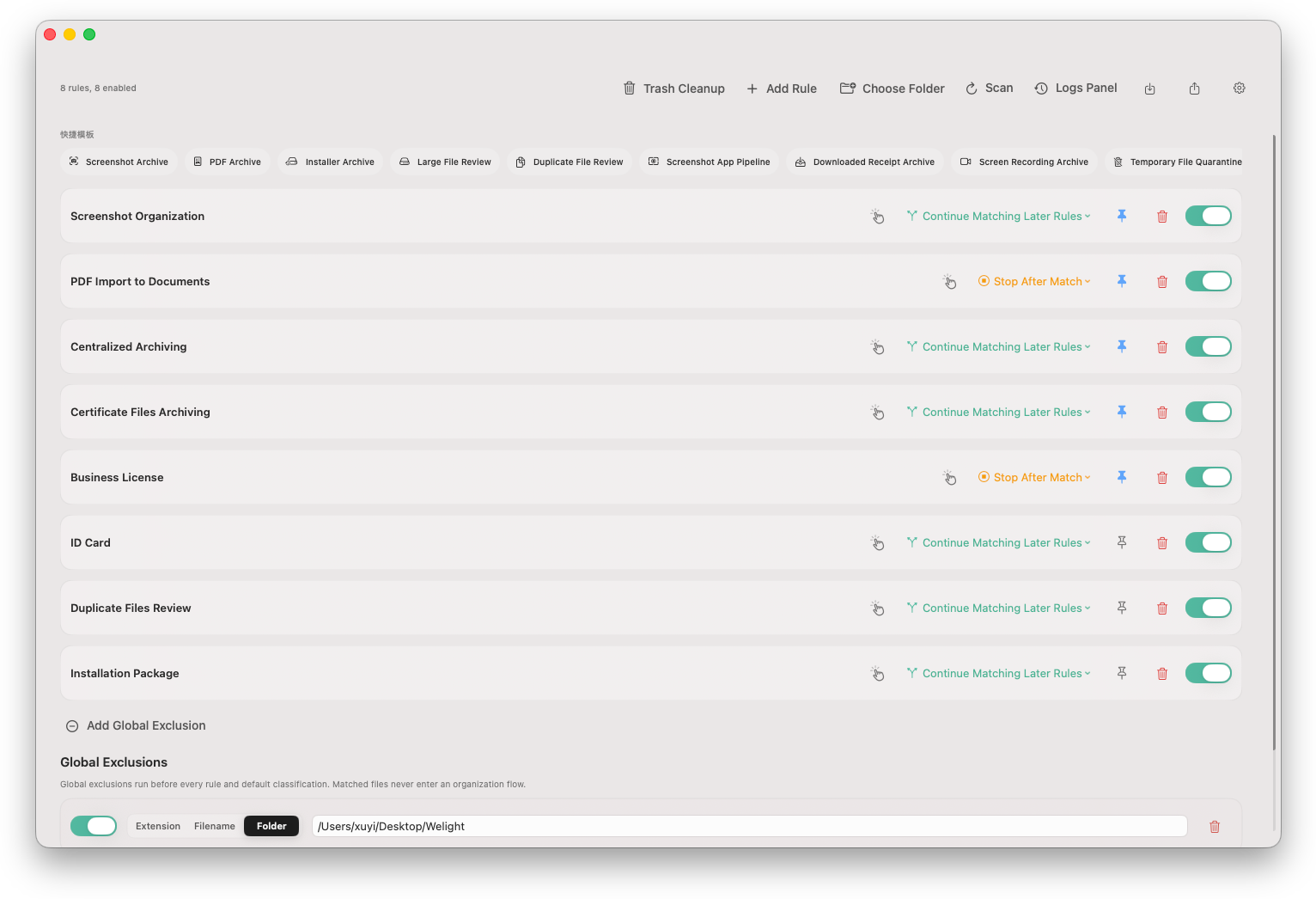
Monitor Downloads, Desktop, Documents, or custom folders. Health checks flag incomplete or intercepted rules, while match explanations show exactly why a file will be handled.

Hoolo watches the folders that get messy first, explains why each rule matches, and keeps every cleanup reviewable, reversible, and consistent across your Macs.
Overview
Use one native Mac workflow for incoming files, rule decisions, app leftovers, and cleanup that should never become a black box.
Monitor Downloads, Desktop, Documents, or custom folders. Health checks flag incomplete or intercepted rules, while match explanations show exactly why a file will be handled.
Review app leftovers, empty folders, Trash policies, project caches, and mounted installer images from one conservative cleanup workflow.
Dry Runs, persistent HTML reports, operation history, snapshots, and rollback make file changes visible before and after they happen.
Optionally sync rules, exclusions, and ordering through your own iCloud Drive. Hoolo keeps the files themselves local and gives you quick control from the menu bar.
Safety
Yes. Hoolo is designed around the rule: miss rather than misdelete. It separates confident cleanup from items that need your review, so you stay in control before anything changes.
Pricing
Get a perpetual license for Hoolo with activation on 2 Macs. Pay by card, Apple Pay, WeChat Pay, and other supported methods.
Workflow
Put screenshot, ID card, invoice, or project-specific rules before broad image or document rules.
A rule can stop later rules after it handles a file, so broad catch-all rules do not steal files already sorted.
Rules can continue when the action is additive, such as tagging or review-only classification.
Folders added to the whitelist stay outside every rule, even when they live under a monitored folder.
FAQ
Straight answers before you install, trial, or buy Hoolo.
One Hoolo license can be activated on 2 Macs for the same user.